
A custom CRM, as a subscription
A CRM that follows your process, for a fixed amount per month. Build, hosting, management and further development are included.
€200 per month including the first user. No setup costs.
- Fits your process, not the other way round
- No package licences on top
- Keeps being developed within the subscription
No payment details. You only pay once you decide to build after the intake.
Rather talk first? Book an introduction
Built for, among others





How it works, in three steps
First you find out whether a custom CRM fits you. Nothing is binding yet.
1. Tell us how you work
Register with your name and email address and describe in a chat how your business works. Free, at your own pace, and you can stop at any time.
2. See what you get
The intake produces a readable summary of your requirements and a price indication based on your number of users.
3. Decide for yourself
If it fits, you pay the first month and the build starts: the base within a week. If it does not fit, you stop at no cost.
No payment details. You only pay once you decide to build after the intake.
Modules that are ready to go
What we build for one client goes into the library. A module you need we build into your own CRM, in your house style and on your own data, within the subscription.
Build mailings by dragging
Drag blocks into the mail, drag them into a different order and type text straight into the mail. The recipient's first name fills itself in, and data from the CRM goes in as a block, such as a case below. Try it yourself.
Comments on the screen itself
Every user places a comment exactly where it applies, with a screenshot if that helps. Everything comes together in one overview, and you can see when something has been built and rolled out. Try it below: click the screen, type your comment and answer it as the administrator.
Case
Fleet 2027
- Request
- Suppliers
- Quote
- Approval
- Delivery
- Client
- Bakker Installation
- Contact
- M. de Vries
- Number of vehicles
- 12
- Next step
- Send quote
Overview 1
- 1
The step Suppliers should be called Vendors, that is our term.
Open
- 2
I want to see the registration number here too.
Done
Built and rolled out: the registration number now sits next to the number of vehicles.Pascal, just now
What it looks like in a CRM that is live
You leave a note on the screen itself
Setting priorities
Built and rolled out
Every outgoing email on record
Every email the CRM sends is recorded. If a client says nothing arrived, you can see straight away what was sent and how it went.
- Recipient, subject and time for each email
- The delivery status
Manuals per role, inside the CRM
Each role has its own manual, opened from inside the CRM. When something in the system changes, the manual changes with it.
The manuals per role, opened from inside the CRM.
What a custom CRM looks like
Six screens from CRMs that are running at clients today. Not designs, but the actual setup.
The overview the day starts with
Open orders, returns and stock alerts sit on one screen, in the shop's own terms. Whoever logs in sees straight away where action is needed.
From the CRM of IT'S PAWSOME
A budget per employee, requests via the manager
Every employee has a clothing budget; anything beyond it goes to the manager as a request. Allocated, spent and remaining are on one screen per department, with no spreadsheet on the side.
From the CRM of RoPa Workwear
Updating the client from the order screen
An order shows what was ordered, what has shipped and what is still open. From that same screen a message goes to the client, with a text you adjust yourself first.
From the CRM of RoPa Workwear
All mail with the client, in order
What has been sent sits in a timeline with the client, including the text that went out. Nobody has to search a mailbox for who mailed what and when.
From the CRM of IT'S PAWSOME
The client's question in fixed steps
Requests come in through an intake with fixed fields, so a request is always complete. What the client fills in lands straight in the case file.
From the CRM of De Leasebaas
The client follows their own case file
Clients log in and see their own proposals, documents and status. They only see what has been shared with them.
From the CRM of De Leasebaas
What does a custom CRM cost?
The monthly amount has three components. The first user is part of the fixed amount. Nothing is added for the build itself.
Hosting, backups, security and management of the environment, including the first user.
Each additional employee or partner who works in the CRM.
Clients or external parties with only a portal login. Taken in bundles of 20, €20 per bundle.
No start-up costs. Minimum term of 12 months, then cancellable monthly with 1 month's notice. All amounts exclude VAT. Annual indexation on the monthly amount.
Work out your own situation, also next to Salesforce
What would your custom CRM cost?
Set the number of users and the assumptions to match your own situation. Alongside the licences, the comparison also counts the build and the management of a Salesforce environment.
Calculated at €95 per hour.
€520 per month, including setup, hosting, management and ongoing development.
- Licences: €10,500 per year
- Implementation, one-off: €91,200 (1 developer × 6 months)
- Ongoing development and management: €19,760 per year
Over 3 years that is a difference of €163,260.
All amounts exclude VAT. Minimum term of 12 months. Ongoing development runs within fair use: 1,000 AI calls, 10,000 emails and 25 GB of storage per month, with usage above that charged on. List price Salesforce Enterprise €175 per user per month, checked on 2026-08-03. The implementation estimate counts 160 hours per developer per month. Actual prices and effort differ per organisation; portal users are not counted on the Salesforce side.
Free, no payment details. You see what you get first.
Read more




From practice
Custom CRM in practice
 Custom CRM
A custom CRM for De Leasebaas, including a customer login
One request goes out word for word identical to every leasing company. What comes back is read out and put side by side, so comparing is no longer a reading exercise.
Read the story Custom CRM
A CRM of its own for Next Win, used by external callers too
An internal CRM that external callers work in too, without seeing more than their own call list. That separation lives in the database, not in the screen.
Read the story Custom CRM + webshop
One system for RoPa Workwear, with clothing management at its core
Clothing management for business customers sits at the core of the system: a budget per employee, sizes per person, and a request that goes past the manager.
Read the story Custom CRM + webshop
A custom CRM and webshop for IT'S PAWSOME
One paid order writes off stock, files the invoice in the bookkeeping and registers the shipment. A repeated message from the payment provider changes nothing.
Read the story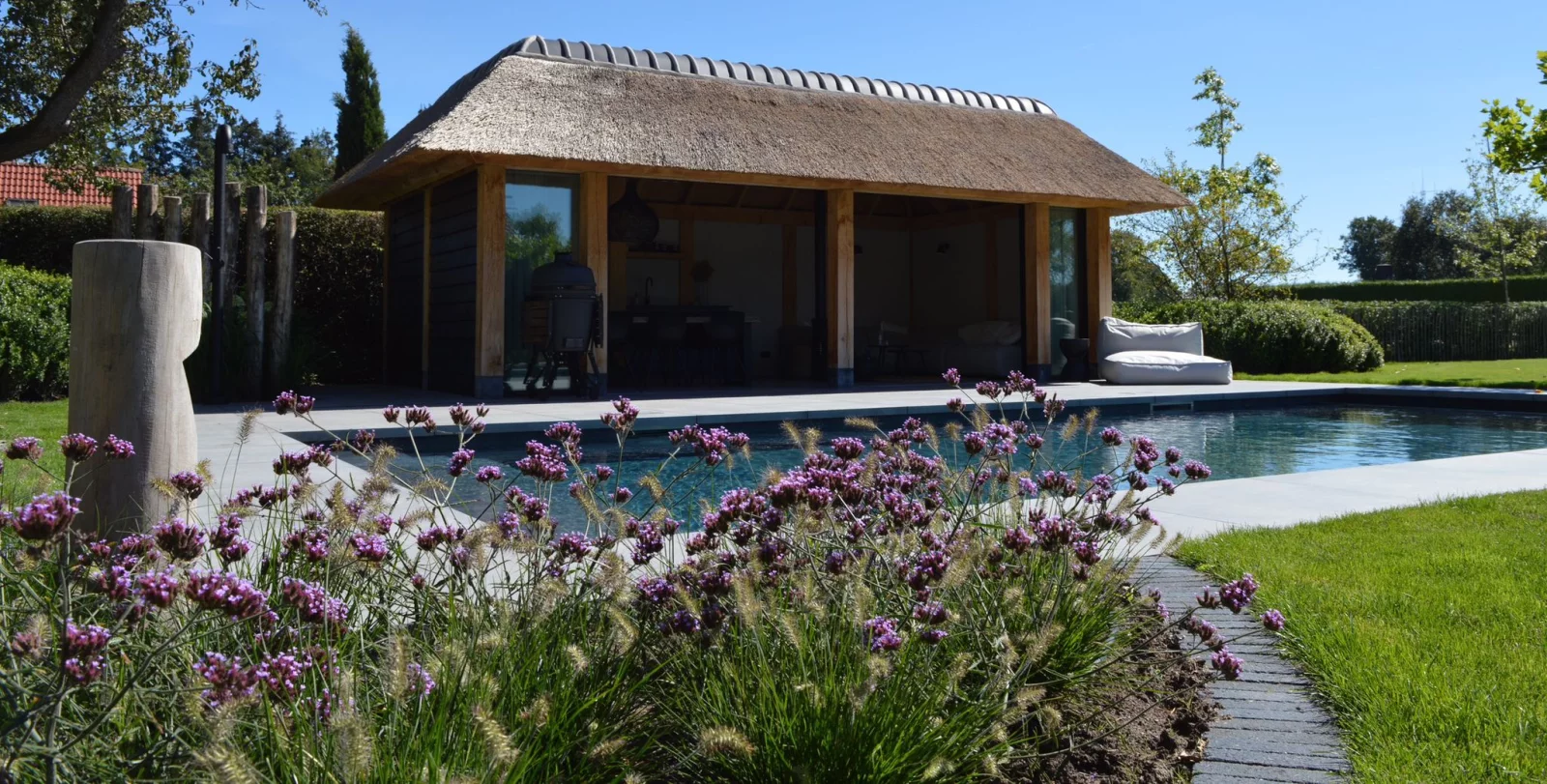 Custom CRM + webshop, under construction
One environment for Hartog Outdoor Living, from webshop to customer portal
Webshop, configurator, customer portal and CRM are being built as one environment, with a single go live. This story describes a project in progress, not a result.
Read the story
I didn't expect it to move this fast. What's there now follows exactly how we work, and Pascal keeps thinking about what else the system can do for us. That brings up ideas I wouldn't have come up with myself.
Frequently asked questions about a custom CRM
What does it cost to have a custom CRM made?+
There are no build costs up front. You pay €200 per month as a fixed amount, which includes one internal user. Each additional internal user costs €75 per month, and portal users cost €1 per month, taken in bundles of 20 (€20 per bundle), all excluding VAT. A team of five therefore lands at €500 per month. Portal users for clients or partners cost next to nothing, so a large portal barely moves the amount.
Why does the monthly amount stay the same once the CRM is finished?+
Because the build is not invoiced up front. The first months take a lot of hours to set up, and those are earned back over the years you are a client. That keeps the monthly amount low compared with licences plus an implementation, and it stays the same even when less is being built later on. Hosting, management, updates and further development remain included the whole time. If at some point you want to continue on your own, you buy out the software at the fixed price set out in the terms.
How long does it take to have a custom CRM built?+
In practice a working version in which you can create your own cases stands within a week. That is because every client starts on a foundation that already runs: login, roles, companies, cases, mail, documents and a portal. After that we keep building, within your monthly fee. Whatever your team runs into in practice goes into the next round. How fast a specific part is in place depends on the number of integrations and on how quickly you can say what needs to be different.
Is a custom CRM more expensive than Salesforce or HubSpot?+
That depends on the number of users. Salesforce Enterprise has a list price of €175 per user per month; at five users that is €875 per month in licences alone, before configuration and management. This subscription costs €500 per month at the same number, including hosting, management and ongoing development. For large teams with a standard process that comparison turns around, because the amount per user rises here as well. On top of that, a Salesforce implementation from scratch still has to be built: count on one to two developers for six or seven months, and on hours for ongoing development and management after go-live.
Who owns the data and the source code?+
The data is yours, always. On termination you receive a full export of the database plus the files, free of charge. The source code stays with CRM Force. If you later want to continue on your own, for example with an in-house developer, you buy out the software. That price is fixed in advance in the terms for the custom CRM, so there is nothing to negotiate at the moment you want to move on.
What happens if I want to stop?+
The minimum term is 12 months. After that it is cancellable monthly with 1 month's notice. On termination we hand over the data and you revoke our access to the environment. The environment is switched off afterwards.
What if I want something that is not in there yet?+
Then you leave a note on the screen it relates to. Small requests and improvements are picked up within the subscription, without a quote and without hours. A whole new module, such as a quote process or a commission calculation, is planned in consultation; if it changes the character of the application, an increase of the monthly amount can go with it. We agree that beforehand, not afterwards.
Where does the CRM run, and what about backups and security?+
On Vercel and Supabase in eu-central-1, with a separate project per client rather than a shared database. There are daily backups of the database and the files, and dependencies are tracked and updated. Restrictions apply per row in the database, not only in the screen: anyone with no business seeing a record does not get it through the API either.
Can clients or partners log in as well?+
Yes. The client portal is part of the foundation. Clients and partners log in and see only what has been shared with them. Such a portal user costs €1 per month instead of the rate for internal users, taken in bundles of 20 (€20 per bundle), so hundreds of client logins barely affect the monthly amount.

Find out, with no strings attached, whether a custom CRM fits you
Register, do the intake and see what you get and what it costs. If it does not fit, you stop at no cost.
Rather talk first? Book an introduction