
IT'S PAWSOME
A custom CRM and webshop for IT'S PAWSOME
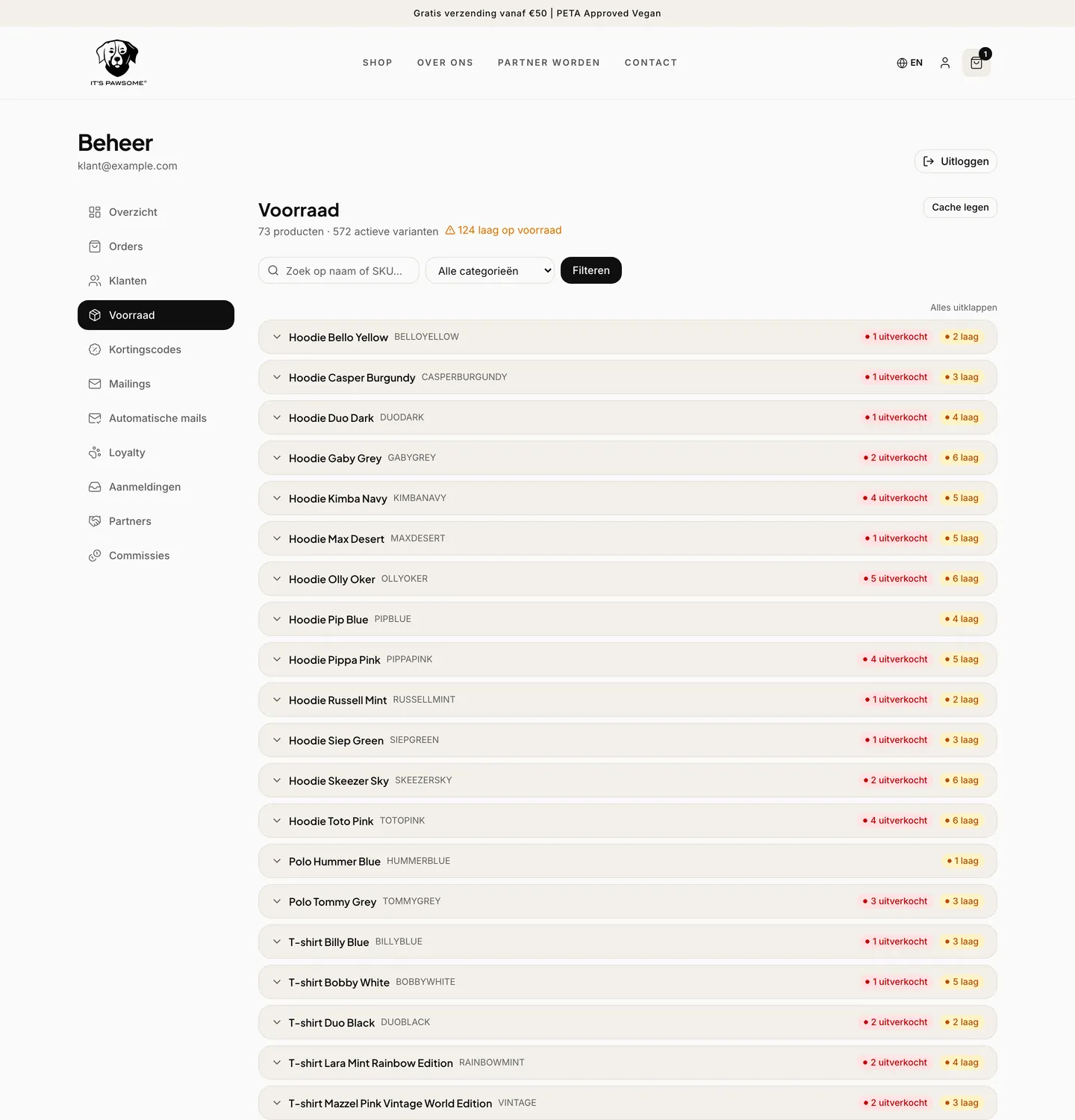
IT'S PAWSOME is a vegan clothing brand for people and dogs. The shop ran on WooCommerce, and every order started the retyping: invoice into the bookkeeping, order into the shipping system, stock by hand. Now one payment reaches all three by itself.

About IT'S PAWSOME
IT'S PAWSOME sells vegan clothing for people and dogs, PETA Approved. The shop runs in Dutch and English, each with its own address, and is handled by a small team that processes the orders alongside everything else.
CRM Force built this together with Next Win. Next Win handles the custom software and the webshop, CRM Force the customer process around it: who hears what and when, and what happens to an order once the customer has paid.
The challenge
An order came in, and only then did the work start. The invoice had to go into the bookkeeping, the order into the shipping system and the stock down by hand. At a few orders a week that is manageable. During a promotion it is an evening of typing, and typing goes wrong.
There was also no check on any of it. A forgotten invoice surfaced at the quarterly return, and a forgotten shipping notice reached the customer before the shop noticed. On top of that came a second question: the shop had to leave WooCommerce, but the customer history and the search visibility were not allowed to be lost.
Why it did not become a package
The package was already in place. WooCommerce did what it does, but it could not remove the manual work after an order: the connections that existed simply left the retyping in place.
What was needed is exactly the part you build rather than switch on. One place in the code where a paid order is handled, which you can review, test and then trust. In a custom CRM that is one function; in a package it is three plugins, each with its own idea of when an order is finished.
The migration also had to cost nothing. Leaving a few hundred orders and a few hundred product pages behind means starting again at zero online. That weighs in the decision, because it is a one off price you can avoid up front.
Read how we weigh that upThe approach
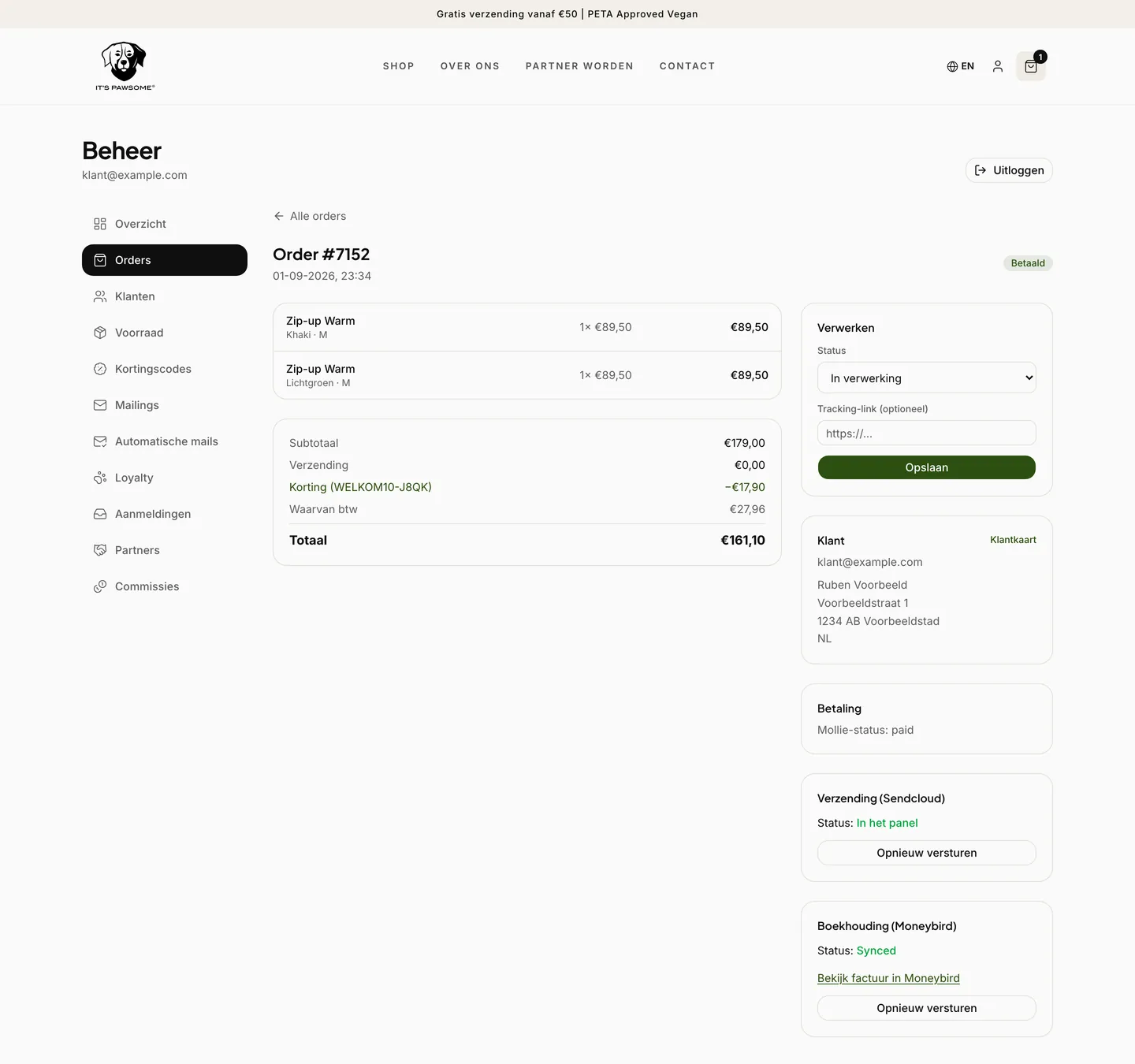
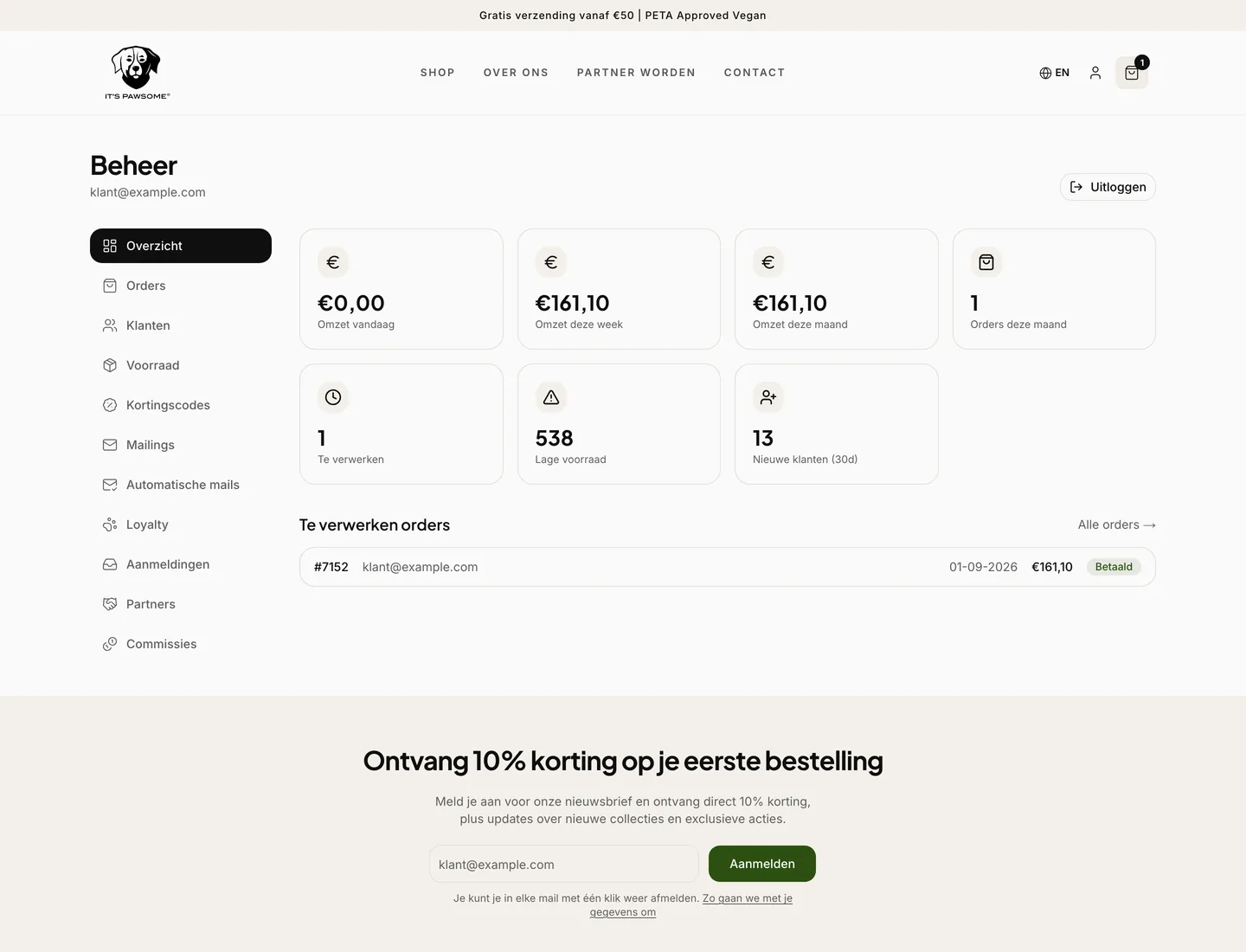
Handling a paid order sits in exactly one place. That place writes off the stock, files the invoice in the bookkeeping, registers the order with the shipping system and sends the confirmation.
Payment providers sometimes repeat such a notification. Handling is therefore idempotent: on a second notification nothing happens.
A look inside the system
What was built?
The parts that carry the system:
One handler for a paid order
Stock written off, invoice and contact in the bookkeeping, order queued in the shipping system and the confirmation sent. Creating the shipping label deliberately remains a human decision.
Shipping confirmation tied to the shipping system
The confirmation does not hang on a button but on the moment the parcel enters the shipping system, with the tracking code included. Even when the same message arrives again, the email goes out exactly once.
An email timeline per customer
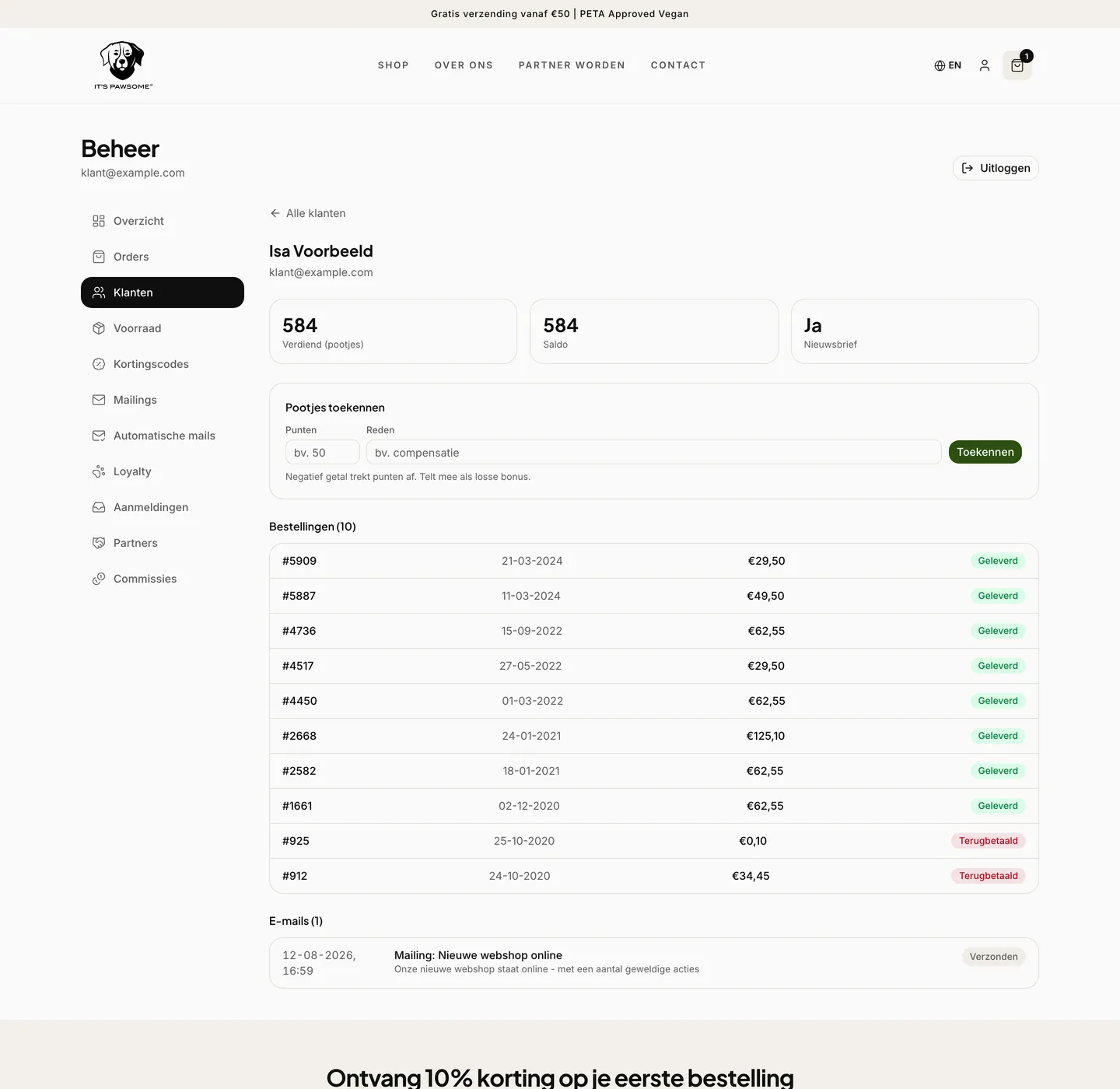
Everything sent to a customer sits on one timeline, with delivery status. Answering whether a confirmation arrived no longer means digging through the mail provider.
Status updates per order
From the order page a message goes to one customer about that one order, with the email shown exactly as it will be sent. What is logged also appears on that customer's timeline.
Mailings sent in waves
First select the recipients, then a test email, then send in waves. Choosing an audience and sending it are deliberately not the same button, because such a button gets pressed too early once.
Loyalty points and partners
One point per euro, a hundred points is five euros off. Partners refer with their own code and earn commission on what comes in through them.
A migration without losses
296 orders and 518 product lines came across from WooCommerce, and 33 old blog addresses redirect to their new location. The import scripts can be rerun without creating duplicate rows, so the migration could be rehearsed.
The result
What changed in practice:
- After a payment nothing has to be retyped into the bookkeeping or the shipping system
- A repeated notification from the payment provider changes nothing about the order
- The shipping confirmation goes out once, at the moment the parcel is actually in the shipping system
- A question about an order shows which email was sent when, and whether it arrived
- 296 orders and 518 product lines came along, so customers who log in still see their own history
- 33 old blog addresses redirect, so the search visibility did not have to be rebuilt
Why CRM Force
Where this case shows how we work:
- Payment handling in one place, so it can be read and tested
- Built idempotent everywhere another system can repeat a message
- A migration in which no order and no indexed address is lost
- One action deliberately left with a person rather than automated
- Built on Next.js, Supabase and Vercel, together with Next Win
Still doing the administration by hand?
Work out what ten minutes of follow up work per order costs you per month. We build the bookkeeping and the shipping into the shop, so they simply run along.