Salesforce optimization and admin support
With Salesforce optimization, CRM Force takes an org that has grown more and more complex over the years and makes it clear again: first we map what runs, then we clean it up. After that CRM Force can take over day-to-day admin, or your own admin learns to do it.
- Inventory first, cleanup second
- Alongside your own admin or instead of one
- Pascal is your single point of contact
At a glance
Updated on
- What it is
- Reviewing and cleaning up an existing Salesforce org, followed by ongoing admin: user questions, changes, permissions, updates and documentation.
- Who it is for
- Organizations that already use Salesforce and notice that nobody knows exactly what runs anymore, with or without an admin of their own.
- Price
- On request. You get a proposal once CRM Force has seen how your org is put together.
- Timeline
- It starts with an inventory. The cleanup plan follows from what that inventory turns up.
- Contact
- Pascal is your single point of contact, backed by a steady group of specialists.
- Last updated
- November 14, 2026
Sound familiar?
- You no longer know exactly what is in your Salesforce org, or which parts are still needed.
- One object has so many flows that nobody knows which one does what.
- Every request becomes another button, while the process underneath no longer fits.
- Every change depends on an outside party.
How we approach your Salesforce org
CRM Force cleans up a Salesforce org in four steps, with fixed agreements at each step about what is and is not allowed.
1. Map what is running
With read access, CRM Force pulls up what lives in your org: flows, Apex triggers, validation rules, formula fields and integrations. What actually runs is what counts, even if the documentation says otherwise. You get a map of your systems and of the automation behind each process.
2. Decide what goes, what merges and what stays
For each automation we record what is removed, what stays on purpose and why. Nothing is removed until it is clear why it was there. You help decide which process comes first.
3. Clean up in small steps
Each process ends up in one place. Every change is tested first, including with more than two hundred records at once, because Salesforce processes records in batches of two hundred and some errors only show up then. Old automations are switched off first and kept for a while, so there is a way back.
4. Take over admin or hand it over
Then CRM Force can take over day-to-day admin: collecting requests, building changes, updates and documentation. Or your own admin does it, with coaching or through the training platform.
First, a map of what runs
Before CRM Force touches anything in your Salesforce org, everything goes onto one map: which systems are connected, what data flows between them and which automation belongs to which process. After the cleanup the map stays with your team and grows along with it.
- Which automation is attached to which process.
- Where data comes from and which system leads.
- What is being built and what is being phased out.
- Readable for colleagues who don't know Salesforce.
Staff Capital: from seven automations on one object to a plan for two
Staff Capital, a Dutch payroll and staffing company, runs Salesforce with Mysolution, a package for staffing and recruitment agencies. CRM Force maps Staff Capital's own configuration and simplifies it, while the internal team learns to maintain the org itself through the training platform.
Read the Staff Capital customer story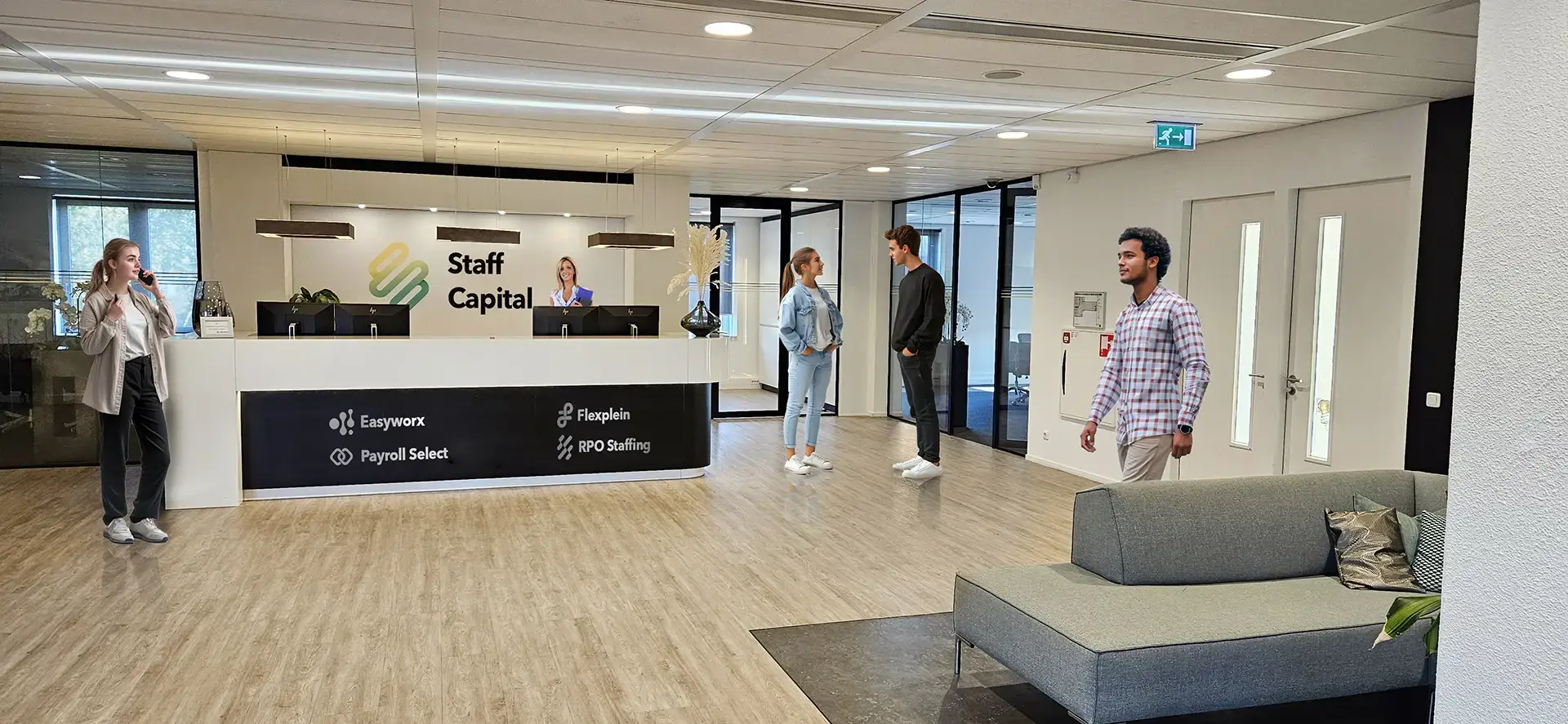
What do Salesforce optimization and admin support cost?
CRM Force sets the price of Salesforce optimization and admin support per org. It depends on three things that only become clear once your org has been reviewed:
- How big the org is: how many objects, flows, Apex classes and integrations there are, and how many of them nobody understands anymore.
- How much changes each month: new requests, user questions and updates.
- What your own team does: whether an admin of your own handles the daily work, or CRM Force takes it over completely.
Salesforce optimization with CRM Force starts with a conversation, and if you like with the free Salesforce scan. After that you get a proposal based on what is in your org, with what will be done and what it costs.
Frequently asked questions about Salesforce admin support
What does a Salesforce functional admin do?
A functional admin keeps Salesforce in line with how your business works. That means solving user questions, adjusting fields, screens and flows, keeping permissions up to date and recording what changed. If CRM Force takes over that work, Pascal is your single point of contact.
Can you work alongside our own admin?
Yes. CRM Force can take on the heavy work, such as cleaning up flows, while your own admin keeps the daily work. Who may change what is agreed up front.
Do you work with our current Salesforce partner?
Yes. CRM Force coordinates with your own admins and with your current partner, so nobody does the same work twice and the knowledge stays with you.
Does everything have to be rebuilt?
Usually not. CRM Force first looks at what is there and keeps what works. Only where several automations do the same thing, or old logic still runs, is it merged or removed.
What if something breaks after the cleanup?
Then the old automation can be switched back on, because it stays in place for a while after being switched off before it is deleted. Before the switch, CRM Force records which errors already existed, so you can tell what is new and what was there before.
Do you also build new features next to admin support?
Yes. At CRM Force, admin work and new features run from one list of requests. How new automation is built is explained on the page about automating processes and reports.
Tell us what is going on in your Salesforce org
Describe in a few sentences where things get stuck. Pascal reads it personally and contacts you to schedule a call.
Outsourcing Salesforce admin: how does it work?
When you outsource Salesforce admin, CRM Force takes over the functional administration of your org: user questions, changes, permissions, updates and documentation. Pascal is your single point of contact, backed by a steady group of specialists.
Outsourcing Salesforce admin works best with one list of requests and one person in your company who decides what comes first. CRM Force builds the change, tests it first and only then deploys it, with a short explanation for the users who will notice it.
For Salesforce admin support it makes no difference whether CRM Force or another agency set up your org. The work starts by looking at what is there, as with Staff Capital, where Salesforce runs with the Mysolution package.
Outsource admin or train your own admin?
Whether you outsource Salesforce admin or train an admin of your own depends on whether someone in your company wants to and can do it. CRM Force does both, and a mix works too.
| Topic | Admin by CRM Force | Your own admin, trained |
|---|---|---|
| Who does the daily work | CRM Force, with Pascal as your contact | Someone on your own team |
| What it costs | A proposal based on your org and the number of changes | The training platform from €349 per month, plus your employee's time |
| Fits when | There is no admin, or the admin has no time for larger work | Your team wants to be able to make changes itself |
| Where the knowledge lives | In documentation your team can read | In your own team |
How do you clean up a messy Salesforce org?
You clean up a messy Salesforce org by first recording what runs, then bringing each process back to one place. Deleting comes last.
When cleaning up Salesforce, CRM Force sticks to a few fixed rules. Each object has one automation before save and one after. A test has to be able to fail, otherwise it proves nothing. Switching off is not the same as deleting: an old flow stays until it is certain that the new one does what it should.
Signs your Salesforce org needs a cleanup
A Salesforce org needs a cleanup once making changes starts to feel risky. Watch for these signs:
- Several flows or triggers run on one object and can interfere with each other.
- Two automations do the same thing, or one is half switched off.
- Flows or Apex contain hardcoded Salesforce IDs that break once they are moved to another org.
- Flow names don't say what the flows do, and there is no description.
- There are fields and objects nobody can explain.
- Part of the work still happens in Excel or email, outside Salesforce.
If a few of these sound familiar, start with a free scan of your Salesforce org.
What does Salesforce optimization deliver?
Salesforce optimization gives you an org where making changes is safe again. You know which automation belongs to which process, and a new request no longer starts with a search.
Salesforce optimization also makes handovers easier. If an admin leaves, the CRM Force documentation explains why something was built and which exception was kept on purpose. A successor can read that decision instead of having to make it again.
Updated on