
Staff CapitalSalesforce
From complexity to control, and a self-sufficient team
Staff Capital, a Dutch payroll and staffing company, works with CRM Force on a healthier, simpler Salesforce environment.
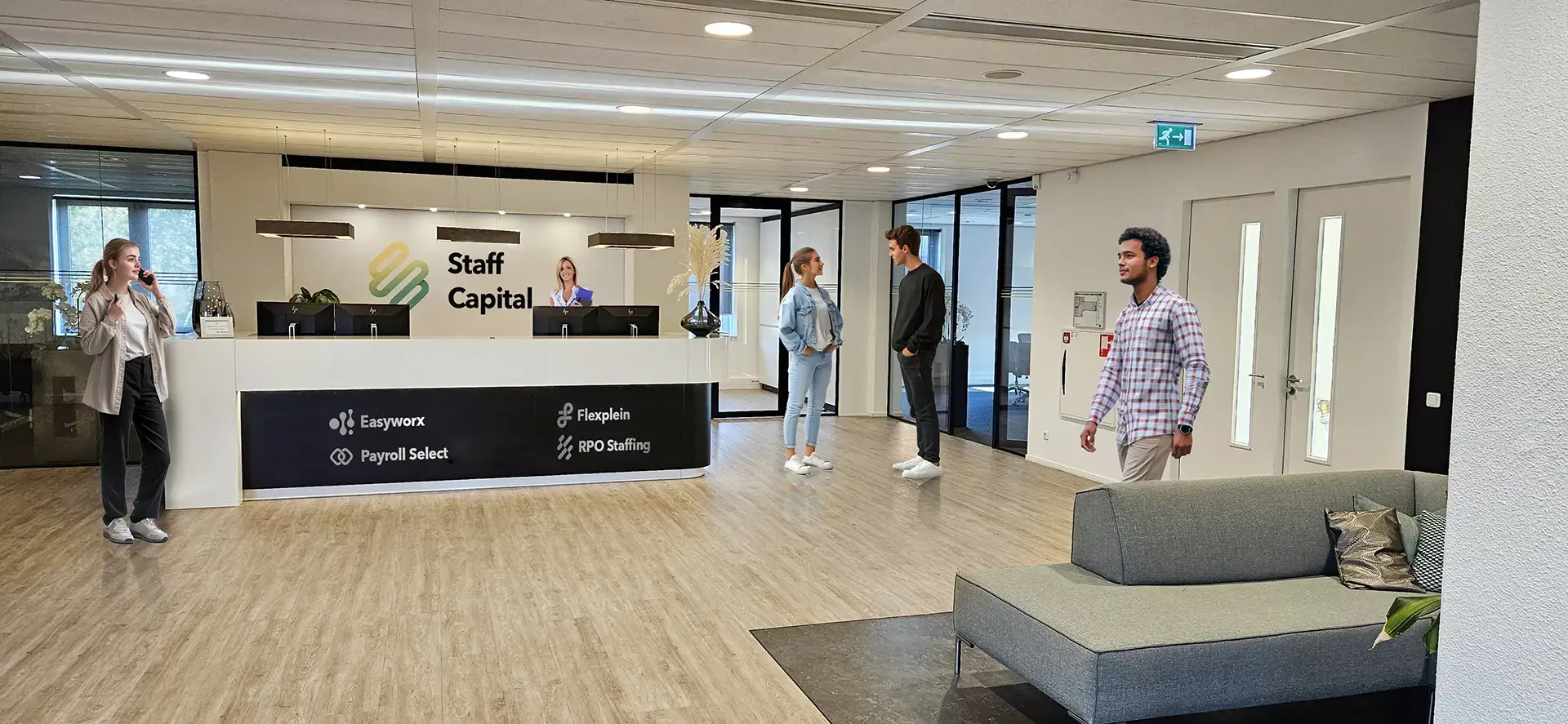
In short
- Customer
- Staff Capital, Dutch payroll and staffing company with several labels
- What runs
- Salesforce on the Mysolution managed package, with its own setup around it
- Type of work
- Salesforce clean-up, support on projects and training of the in-house team
About Staff Capital
Staff Capital is a Dutch payroll and staffing company that takes care of personnel, payroll and flexible labour for organisations. Staff Capital comprises several brands, each with its own specialism.
Salesforce is an important part of their operations. As the organisation grew, so did the complexity of that environment.





Runs on
The Salesforce org runs on the Mysolution managed package, the staffing and recruitment platform for Salesforce. The work here concerns the configuration around it: the automations, fields and permissions Staff Capital built up itself.
Where it got stuck
Over the years the Salesforce environment had become more complex step by step. Changes piled up and clarity was lost: what exactly is in place, what is still needed, and what can be simpler?
Staff Capital wanted control again: a clear picture of the current setup, less unnecessary complexity, and a team in the driver's seat rather than dependent on external parties.
How the clean-up works
Cleaning up is a way of working. Six agreements that apply here, each with what it means in practice.
1. First know what is there
The org is the source of truth, not the documentation.
Nobody knows a grown org completely. Before anything is removed, a read-only scan collects what actually runs: automations, calculated fields, validation rules and the places where they reference each other.
In practice
Every statement in the data model is either verified against the org or explicitly marked as still to be verified. What is established and what is an assumption stays visible.
2. Remove what no longer fits
Only remove something once it is clear why it was there.
Logic from a system being replaced often keeps running for years. Those branches go, but not in one sweep: for each automation it is recorded what disappears, what deliberately stays and why.
In practice
For every adjusted automation there is a written record of which branch was removed and which exception was deliberately kept. A successor can read the reasoning instead of repeating it.
3. One place per process
The same process belongs in one place, not five.
A check that was called from several places moves to a single sender, including what happens when it fails. Each object runs one automation before saving; new logic becomes part of it rather than a second flow alongside it.
In practice
One object carried seven automations, some already switched off. The plan brings that back to two: one before saving and one after.
4. One pattern for everything leaving the system
A signal sets it up, one sender carries it out.
Every action crossing the system boundary gets the same five fields: to send, sent, sent on, error and attempts. Nothing can go out twice, every link can be tested on its own, and a failed step lands visibly in a work queue instead of disappearing quietly.
In practice
A list of 'to send on, sent off' is the work queue itself. No report or log needed: it is in the data.
5. Tests that can fail
A test that cannot fail proves nothing.
The test scripts have the tester deliberately do something wrong, after which a block should follow. If it does not, that is the finding. It catches the most dangerous failure type: a control that quietly stops firing.
In practice
Automations are also tested with 251 records at once, because Salesforce works in batches from 200 records and some errors only surface there.
6. The way back is ready first
Switching off is not the same as throwing away.
Old automations are switched off but kept for two weeks, with targeted monitoring in the first 48 hours. Only then do they go for good. New automations are moved across as drafts; activating them is a separate step.
In practice
Before a transition a baseline is recorded: which errors and open tasks already existed. Otherwise every pre-existing problem looks new after go-live.
What CRM Force does
CRM Force tackles this pragmatically and step by step:
- Mapping the environment
- Clarity first: which flows, objects and automations exist, and what exactly do they do?
- Reducing complexity
- Cleaning up and simplifying where possible, so the environment becomes understandable and manageable.
- Supporting projects
- Thinking along and stepping in on various ongoing Salesforce projects.
- Training the team
- Via the CRM Force training platform, the internal team learns to maintain and develop Salesforce itself.

What changed
Together we are building a healthier environment and a more self-sufficient team:
- More clarity over the Salesforce setup
- A simpler, more manageable environment
- A team that can increasingly maintain things itself
- First customer on the CRM Force training platform
Staff Capital is the first customer using the training platform. The collaboration continues: step by step towards more control and ownership.
Make your team self-sufficient, just like Staff Capital?
With the CRM Force training platform, your admins and key users learn to keep a grip on your Salesforce org, with real cases, AI coaching and a direct connection to your own environment.
- 14-day free trial
- Real cases
- AI coaching
- Connect your own org
More about this work
How CRM Force works in existing Salesforce environments is on Salesforce consultancy and on Salesforce management and optimisation.
Want to get a grip on your Salesforce too?
Book a no-obligation intake. We are happy to think along, even if that means you don't need us.